
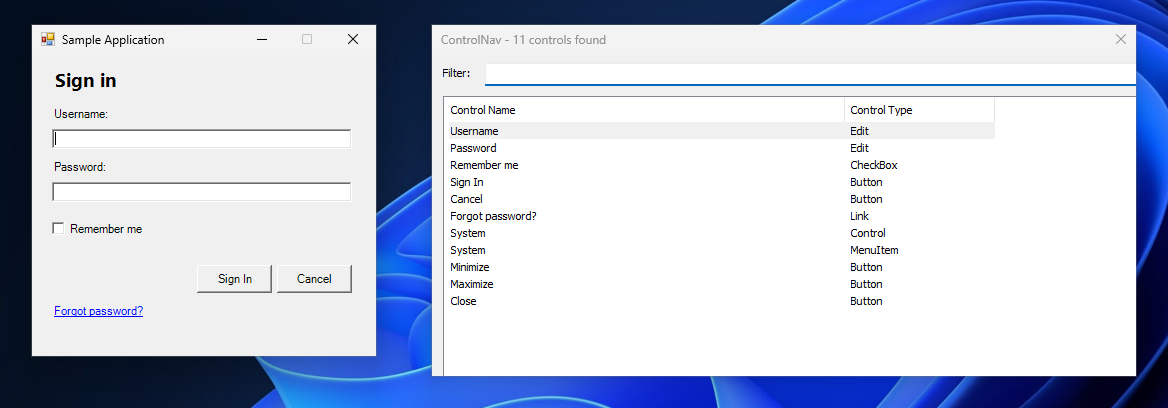
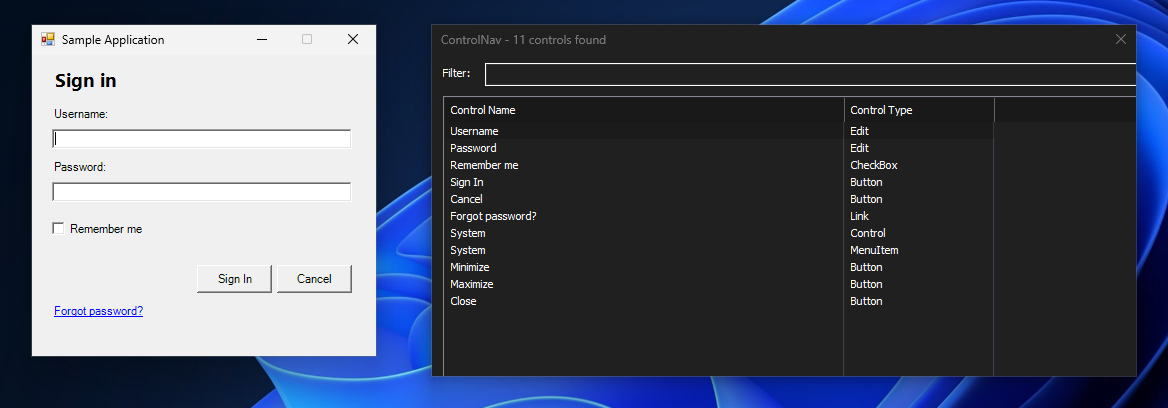

ControlNav is a Windows tool for screen reader users (JAWS, NVDA, Windows Narrator). It lists every control in the foreground app, searchable by name — instead of tabbing through the whole window, type a few letters and jump straight to the control.
Features
- Instant control listing — shows all controls at once, no sequential tabbing
- Filter as you type — the list narrows with every letter
- Direct control interaction — click, focus, or double-click any control from the list
- Dark mode — automatically follows your Windows theme
- Global hotkey access — activate instantly with Ctrl+Alt+L from any application
- Lazy loading — controls load progressively in the background for responsive UI
- Lightweight — ~60 KB executable with zero dependencies
- Type-aware default action — Enter activates buttons, toggles checkboxes, focuses edit fields, opens tree nodes
- Category filter — narrow a long list to just buttons, links or input fields in plain language, without learning control-type names
Platforms
- Windows 10/11 (x64)
- Linux (x64)