


Applies to: BrailleKit 0.7.0 (2026-04-29)
BrailleKit translates text to and from Braille across 40+ languages. This manual covers the desktop application, the command-line tool, and the concepts you need to use them effectively.
Audience: end users. If you are integrating BrailleKit into your own application, see the C API reference or the SDK documentation instead.
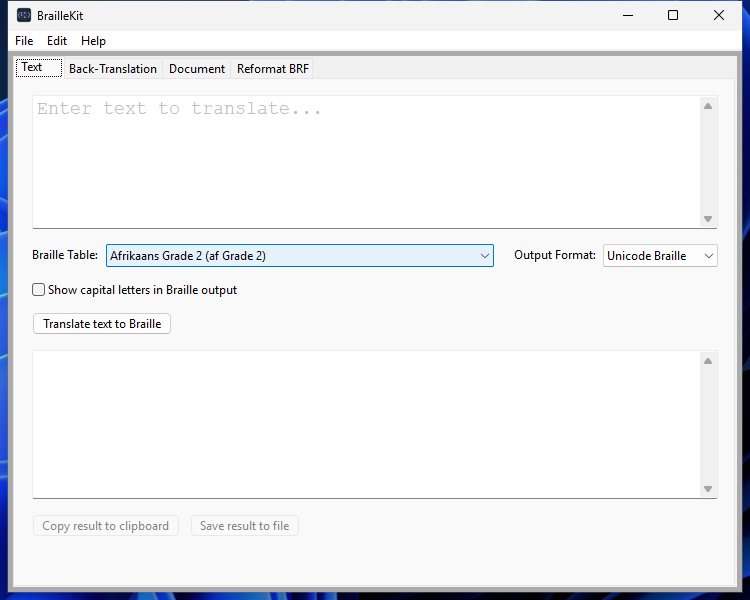
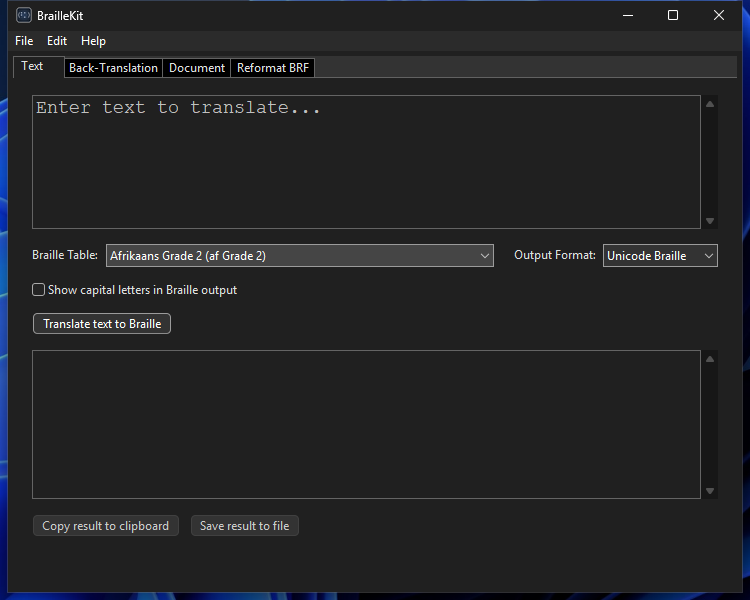
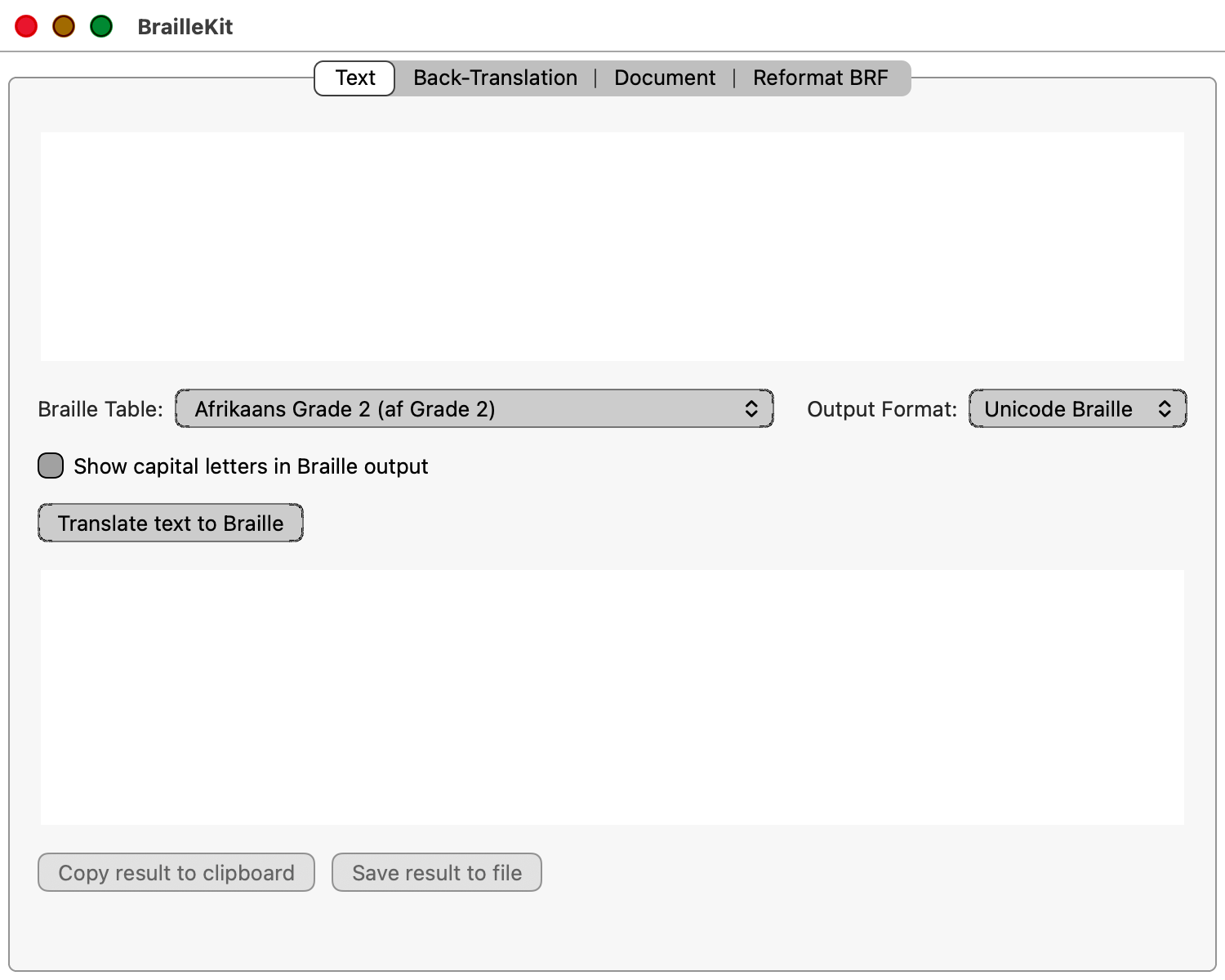
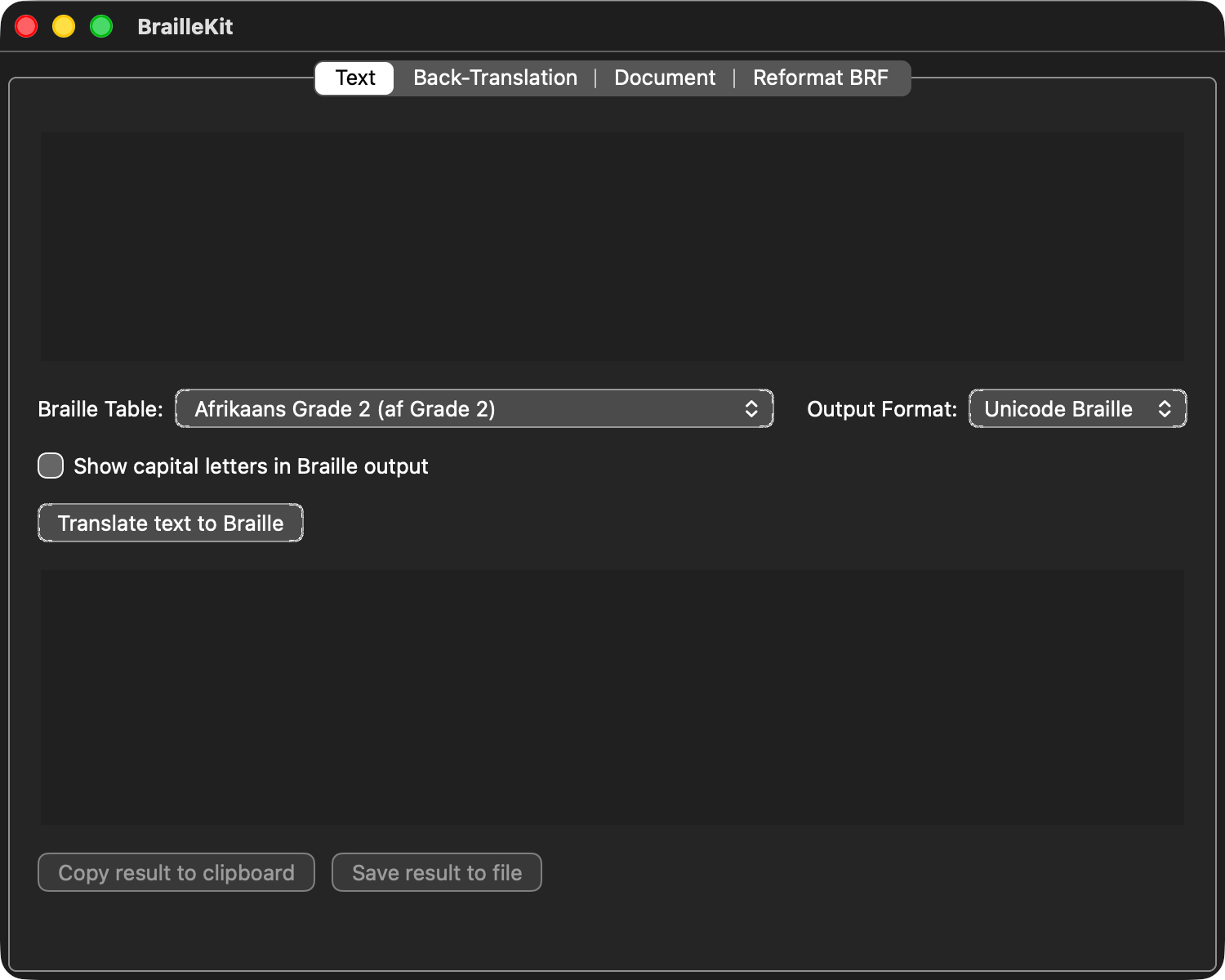
Screenshots in this manual are generated automatically from the running app via
scons screenshots(seetools/take_screenshots.py). Each screenshot is published in four variants — Windows + macOS, each in light and dark — and the tab matching your own operating system and theme preference is selected automatically on page load. Use the other tabs to compare. File an issue if any control has poor contrast in either theme.
Contents
:maxdepth: 2
:caption: User manual

installation
tables
desktop-app
cli
formats
licensing
accessibility
troubleshooting
Quick navigation
- Installing — get the app and CLI onto your system
- Choosing a translation table — how to pick a table, what stable/beta/alpha means
- Using the desktop app — the main tabs
- Using the command-line tool —
braillekit_clireference - Output formats — Unicode Braille, BRF dialects, BES, eBraille
- Licensing and subscriptions — 14-day trial, Annual vs. Pro feature matrix, activation flow, offline behaviour
- Accessibility features — screen reader and keyboard-only use
- Troubleshooting — common issues and fixes