

A table defines how text in a specific language and Braille grade is
translated. Tables are identified by short IDs like en-ueb-g2 or
de-g0. The naming convention is:
<language-code>[-<variant>]-<grade>
- Language code — ISO 639 two-letter code (
en,de,fr, …) - Variant — optional, e.g.
uebfor Unified English Braille - Grade —
g0(uncontracted reference),g1(basic/Vollschrift),g2(contracted/Kurzschrift),comp8(8-dot computer braille),nemeth,cbc, …
Grade quick reference
| Grade | What it is |
|---|---|
| g0 | One cell per character, no contractions — used as a standards baseline |
| g1 | Basic Braille: letters, numbers, punctuation, minimal indicators |
| g2 | Contracted Braille: short forms for common words and letter groups |
| comp8 | 8-dot computer Braille: 1-to-1 with a computer keyboard |
Which should you pick?
- Reading plain text like a book → g2 (if available for your language)
- First steps learning Braille → g1
- Programming or technical text → comp8
- Math and science → a dedicated table (
en-nemeth,en-cbc, …)
Table maturity: stable, beta, alpha
Not every table in BrailleKit is at the same quality level. We classify
every table with a status field that tells you how much you can trust
its output:
| Status | What it means | UI label |
|---|---|---|
| stable | Verified against the official Braille standard for the language. | (no suffix) |
| beta | Functional and covers typical text, but not fully verified yet. | [Beta] |
| alpha | Basic character mapping only — likely to produce incorrect output. | [Alpha] |
In the desktop app, the language picker shows the suffix after the table name:
German Kurzschrift (de Grade 2)— stableMongolian (mn Grade 1) [Beta]— betaKhmer (km Grade 1) [Alpha]— alpha
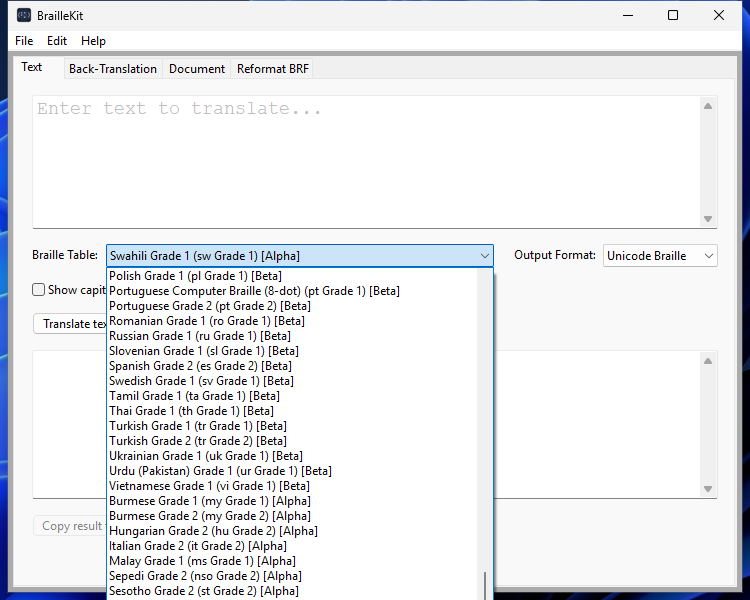
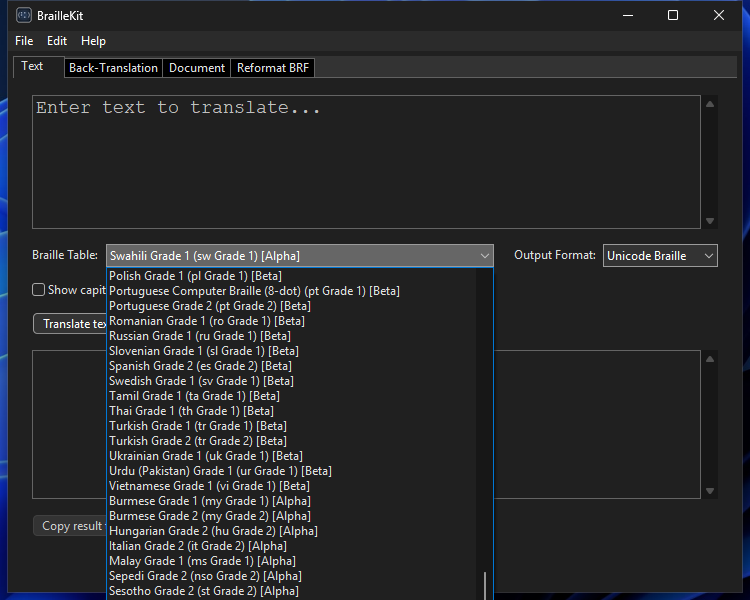
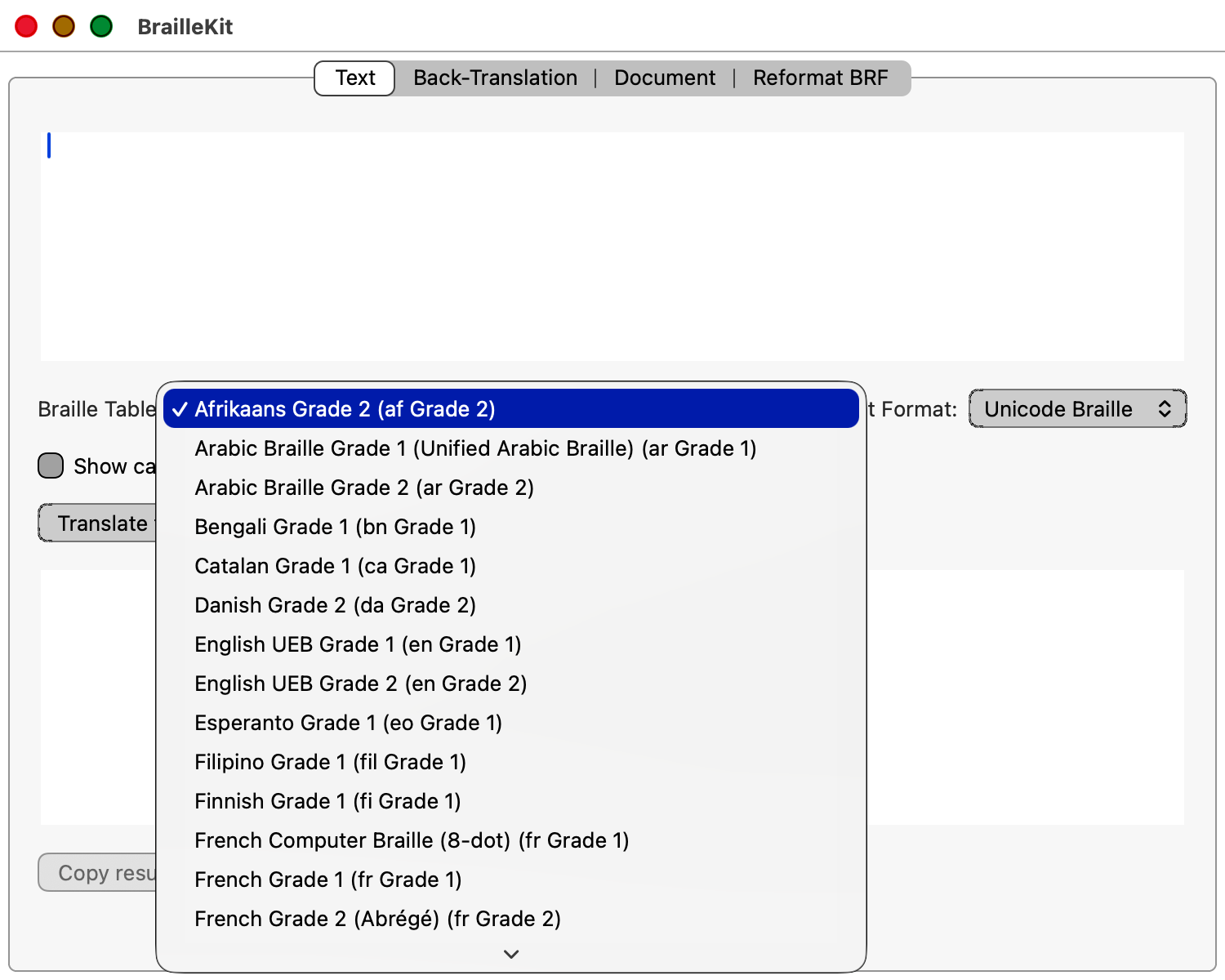
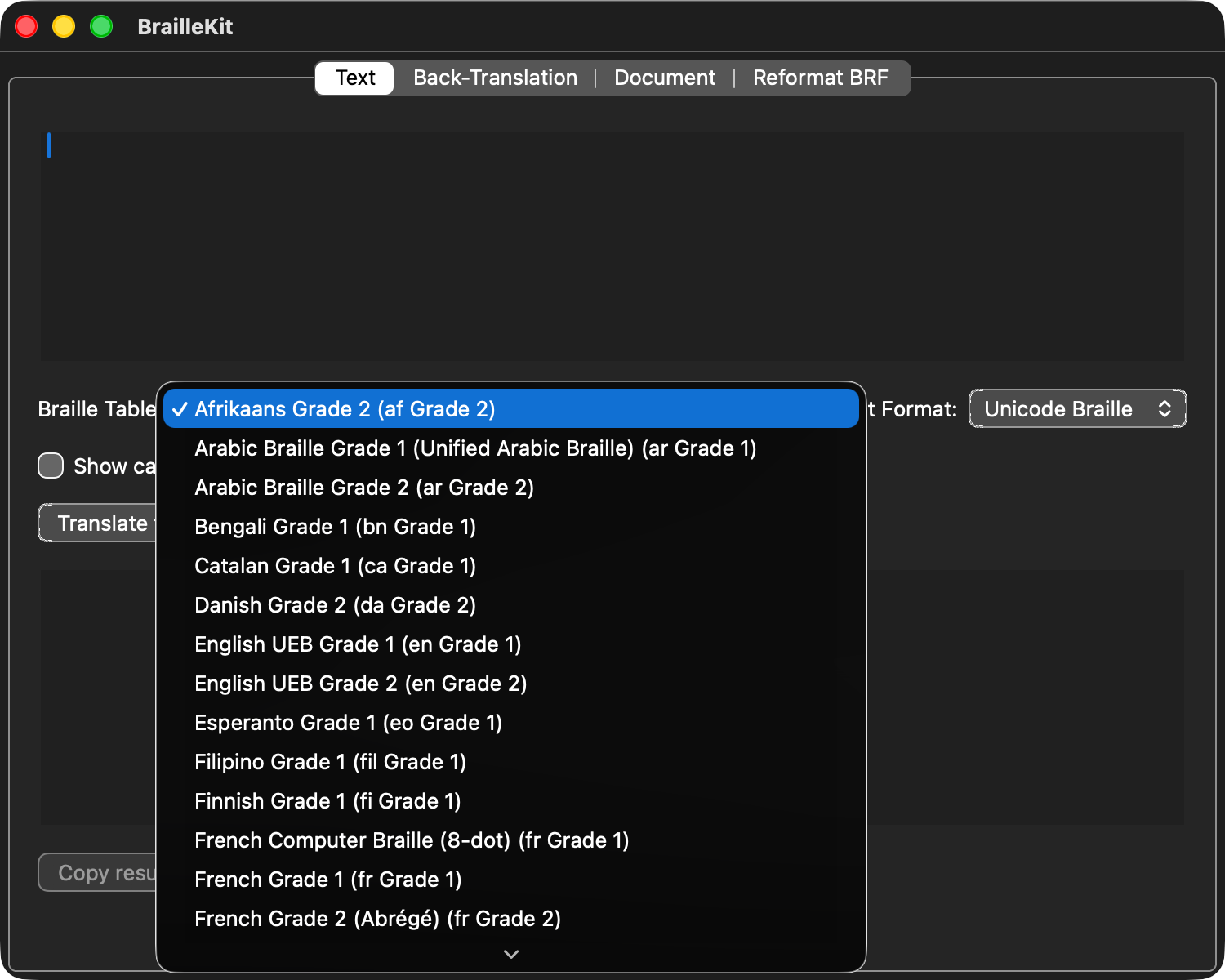
The picker also sorts by status, so stable tables appear first.
Rules of thumb:
- Production work, embossing, published material → use stable only.
- Drafting, early feedback, experiments → beta is usually acceptable.
- Alpha tables are for contributors helping us mature them. Don't rely on their output without human verification.
From the command line, query the status of every installed table:
braillekit_cli tables
Each row is tab-separated <id> <name> <status>, so you can grep or
pipe the output into scripts.
Why the distinction matters. A Braille book produced with an alpha table may be readable on the surface but wrong in ways that matter: missing contractions, incorrect capital indicators, or wrong emphasis sequences. A blind reader can't cross-check against the print original — so you must trust the software. We use the status field so you know when to.
Next steps
- Using the desktop app — pick and apply a table through the GUI.
- Using the command-line tool — same workflow from the terminal.